.svg)
Updated notification cards for your device screens
What’s changed
The latest Device Connectivity Software 2.5 contains updated notification cards to better align the on-screen device health notifications with the information displayed in REALConnect™. The update also contains regular background performance improvements and backend support for new features included in the upcoming REALConnect™ 15.0 release.
Who benefits
All users will benefit from the updated notification cards and background performance improvements. Your devices will automatically receive remote software updates as they become available. To ensure receipt of the latest 2.5 software release, ensure your Avive Connect AED® is at least 50% charged (or plugged into its charger) and has either a Wi-Fi or cell connection.
Improvements
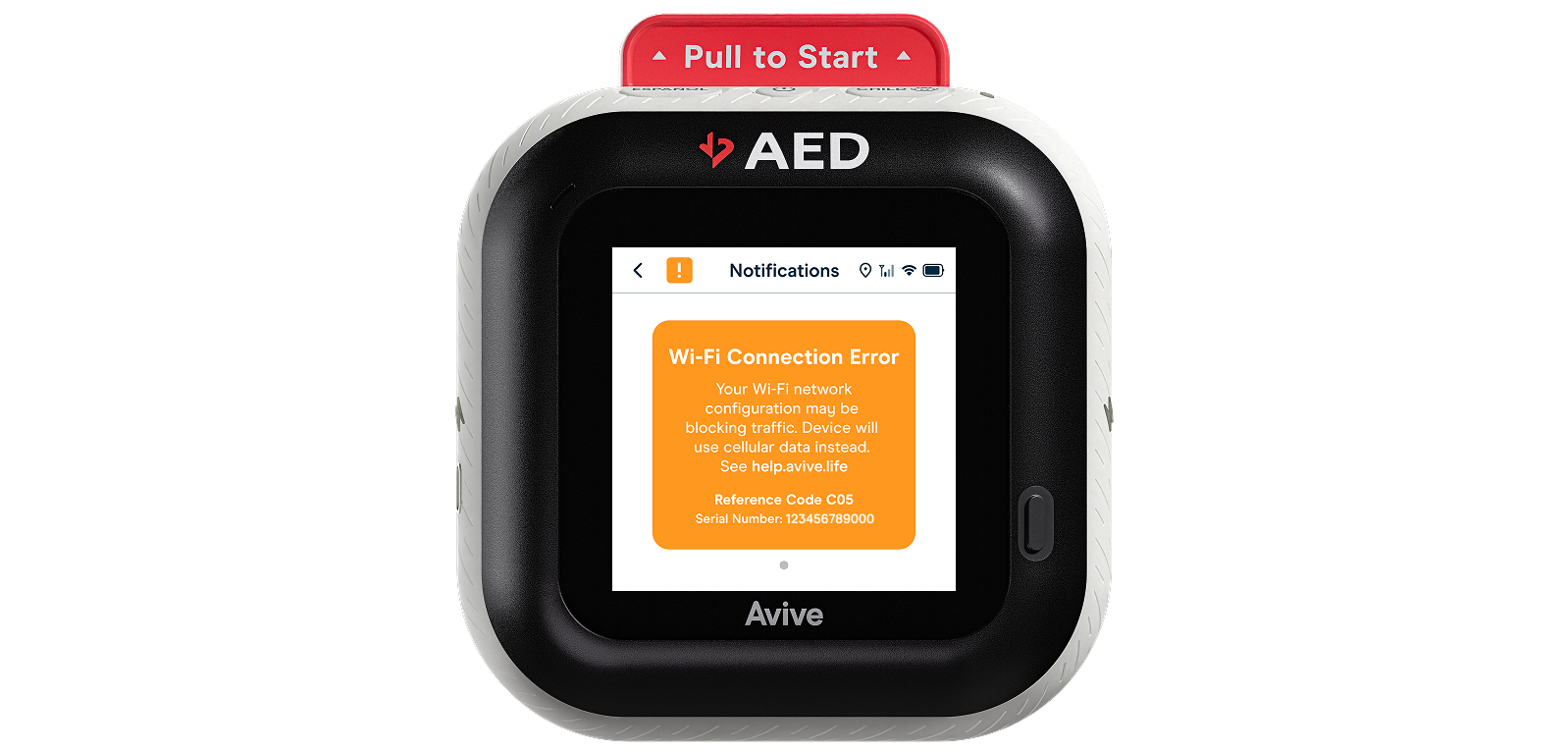
New error codes: We’ve added new error codes to support easier troubleshooting and identification of potential Wi-Fi network issues. For example, if your device is having trouble connecting to a Wi-Fi network due to a firewall or network setting that is blocking traffic, the device’s screen will display a Wi-Fi Connection Error notification notification and automatically start using cellular instead.
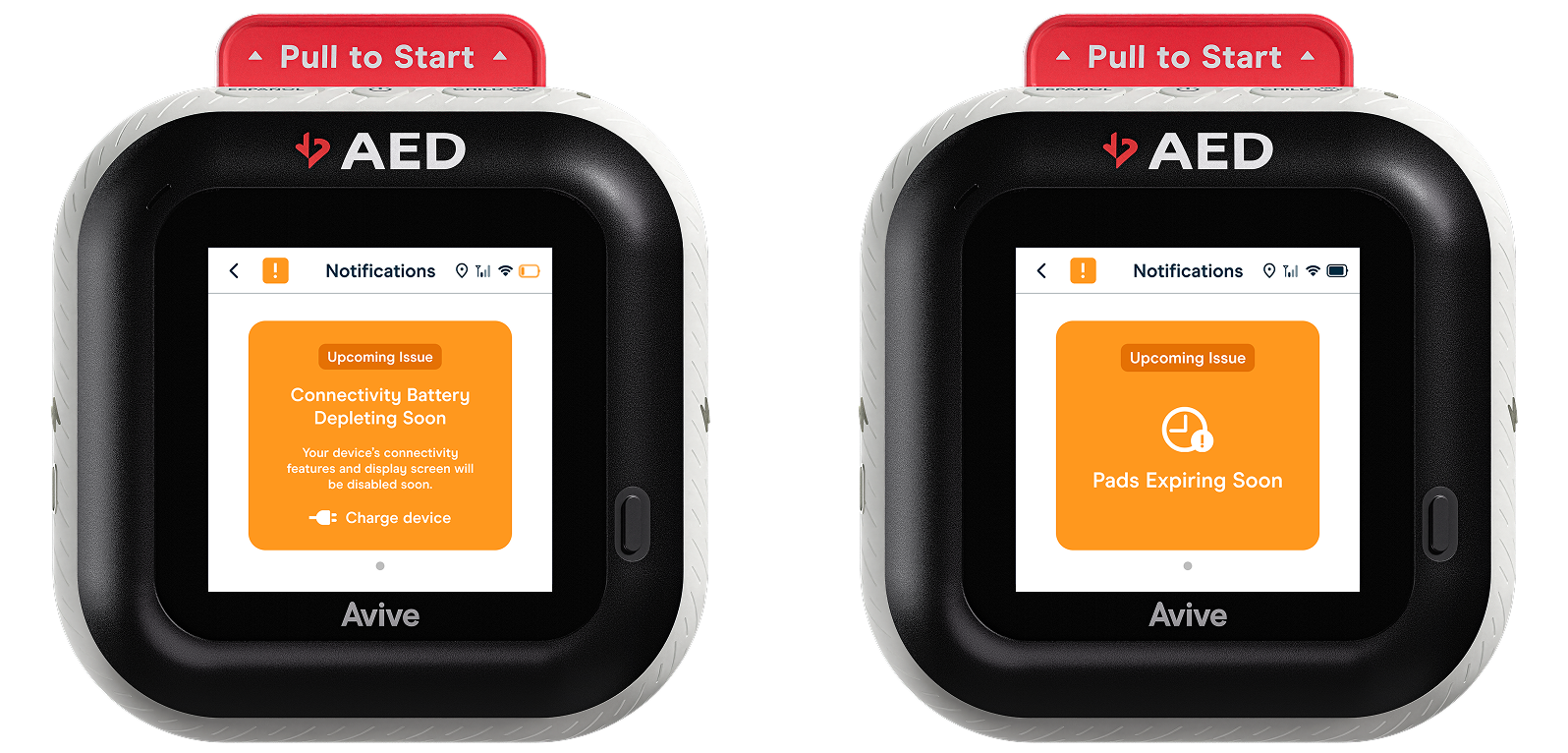
Updated notification cards: To better align the on-screen device notifications with those on the REALConnect™ software, we’ve updated the appearance for a few of the notification cards. Users will benefit from a clear explanation for upcoming issues and improved UI.